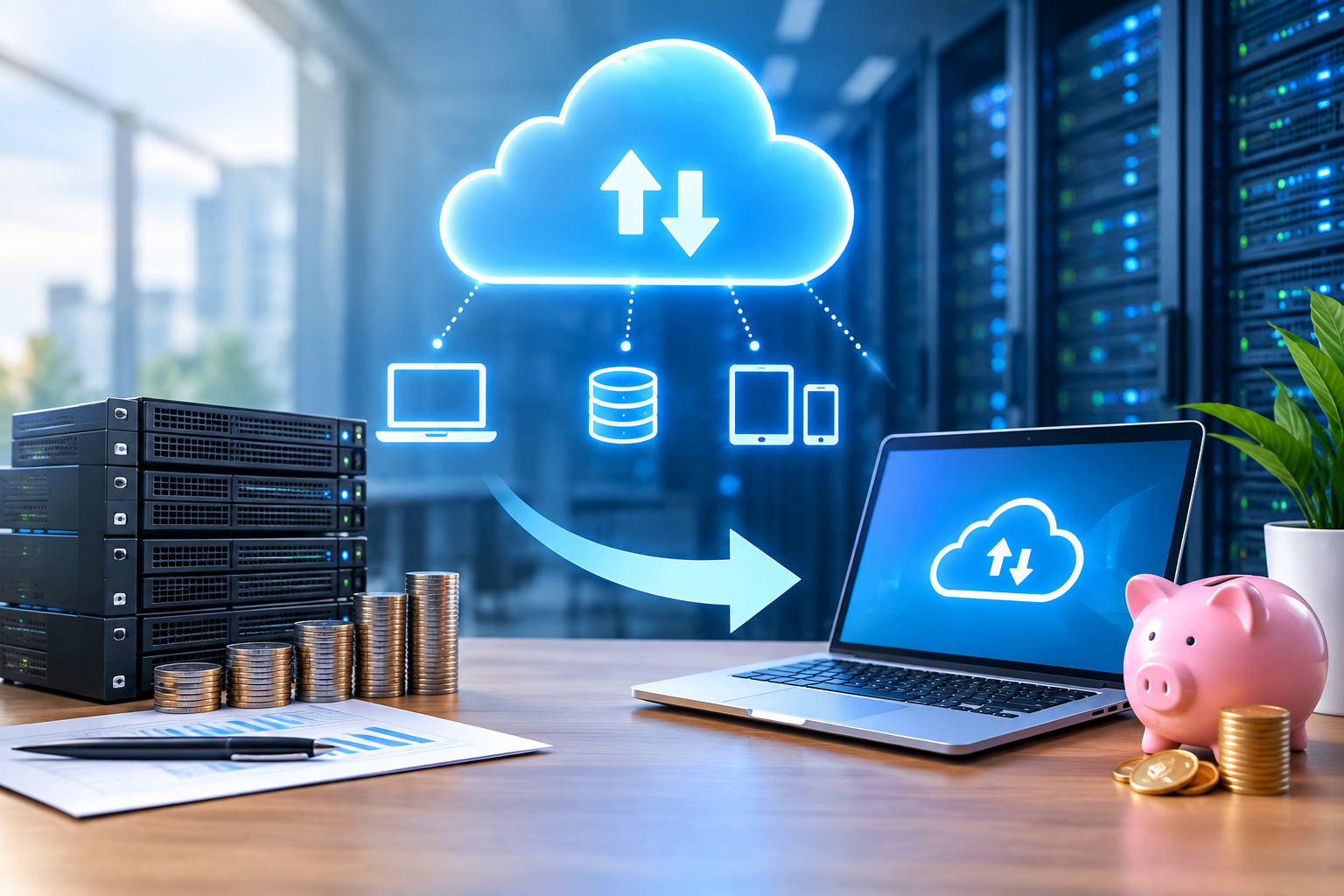
For years, businesses have been investing in their IT infrastructure, but doing so has always been a costly affair. Servers must be bought, storage must be increased, software must be kept up, and tech teams must maintain everything. These costs can quickly become difficult to manage for a growing business.
The cloud computing model has changed that. Rather than having to support and operate all components of an IT infrastructure, companies can turn to the internet and use computing services based on their requirements. Such a change in ownership to flexible access can aid in managing technology spending and provide organizations with the capacity to scale more rapidly.
So what exactly does cloud computing do to decrease the cost of IT infrastructure? It’s not just about wiping out physical servers.
Transforming from Big Capital to Agile IT Investments
Conventional IT infrastructure can be expensive and complex to invest in at the outset. Resources, such as servers, networking gear, storage systems, backup hardware, security appliances and software licenses, need to be acquired by the company prior to the first direct business value is realized.
Cloud computing is another way. Cloud service providers enable businesses to leverage infrastructure, platforms, databases, storage, and software without having to invest in the corresponding underlying hardware and software.
It moves IT expenditure from a capital intensive business to a more flexible operating expense.
Especially for expanding enterprises, it can be great value. An organization can scale up its cloud usage over time rather than investing in infrastructure up front.
Reducing Hardware and Data Center Expenses
There are costs to physical infrastructure that can be underestimated. Servers require power, cooling, hardware, maintenance, and even replacement.
A business that hosts a data center of its own can also require a separate building and more equipment to ensure the smooth functioning of the business.
Cloud providers take care of a lot of the physical infrastructure. This means that businesses don’t need to oversee all the servers, storage devices, or network components.
This can help lower costs of:
- Servers to buy and replace.
- Data center space
- Power and cooling
- Physical equipment maintenance
- Hardware monitoring
- Infrastructure expansion
The amount of physical infrastructure a business owns can greatly impact its overall IT cost structure and the actual savings will depend on the company’s current environment and cloud needs.
Paying According to the Actual Demand
The great benefit of cloud computing is elasticity. Resources can be added or removed as needed for business.
Let’s use an online retailer that sees significantly more visitors to their site during holiday sales. Using the traditional infrastructure, the company may need to buy more servers than necessary when they are used for handling the peak demand, but they are not used for most of the year.
Cloud infrastructure can scale up to meet spikes in traffic and scale down when the traffic returns to normal.
It allows organisations to not have to keep large amounts of infrastructure just in case of an occasional peak.
Improving Resource Utilization
It may be an insidious problem that can easily eat up a significant amount of wasted funds. Even if a physical server has a lot of processing power to spare, it may be a fixed cost for the business.
Cloud resources offer greater flexibility in resource allocation. Organizations can choose various levels of resources for various workloads and resize them when required by business needs.
By using the right monitoring and cloud cost optimization workflows, companies can find resources that aren’t being fully used and make changes if needed.
It’s not just about moving all things to the cloud. The aim is to make sure that the infrastructure being funded is delivering value.
Reducing the need for Infrastructure Maintenance
An on-premises environment has to be constantly monitored. IT teams can invest a lot of time in managing machines, installing updates, replacing parts, managing infrastructure, and troubleshooting machines.
Cloud computing also offloads several things from the infrastructure management to the service provider.
This helps internal IT teams to shift their attention from mundane IT management tasks to delivering value directly to business goals such as application development, cyber security, automation, data management and digital transformation.
Cloud computing can thus contribute to better efficiency in infrastructure and better technical team productivity.
Together with this, it streamlines business growth
Business growth is good, but fast growth can cause challenging infrastructure choices.
A company can find they require more storage, processing power, databases or network capacity at a moment’s notice. These requirements may require buying equipment, setting it up, and waiting for deployment when using traditional infrastructure.
Cloud platforms is capable of making infrastructure expansion much more flexible. Resources can be added without needing to go through a physical procurement cycle, which frequently has a long lead time.
This scalability can be beneficial for startups, SaaS providers, eCommerce businesses, and businesses with fluctuating demand.
Simplicity in Backup and Disaster Recovery
Infrastructure costs can also escalate when it comes to protecting data for the business. Traditional strategies for disaster recovery involve having duplicate equipment, extra storage space, backup servers and a second physical site.
There is also cloud-based backup and disaster recovery services. Cloud storage and recovery systems offer scalable storage and recovery solutions that can be used without having to construct and maintain a completely new physical infrastructure.
In addition to the potential cost savings, cloud-based recovery strategies can enable businesses to learn to think flexibly about business continuity.
When designing a cloud backup strategy, however, organisations need to take a close look at storage fees, data transfer costs, recovery needs and media retention policies should be taken into account.
Using Automation to Control Operational Costs
When automation is added to cloud computing, it becomes even more useful.
Automated provisioning, scaling workloads, monitoring, backup, deployment, and resource management are all possibilities for modern cloud platforms. While repetitive infrastructure work must be done by hand, businesses can set up automated processes that are based on specific conditions.
Unused development environments, for instance, may be able to be scheduled to be turned off outside of work hours. Resources might also be scaled up and down on the fly according to the demand of the application.
These minor changes, which can be implemented over time, can be significant, especially in organizations with extensive or complicated cloud environments.
Cloud Cost Optimization is a Must
Switching to the cloud doesn’t necessarily make IT less expensive. But if a cloud environment isn’t managed properly, it can generate unwanted costs.
Unused resources can be left running, too large instances can be chosen, old data can be kept forever, or data transfer charges are ignored.
The key to a successful cloud strategy is ongoing cost management.
Organizations should regularly:
- Check the utilization of cloud resources.
- Take out unused or unused resources
- Scale infrastructure resources up and down based on workload needs.
- Keep track of storage and data transfer expenses.
- Use appropriate pricing and purchasing models
- Set up a budget and spending warnings
Cloud cost optimization should be considered a continuous process, not a one-time migration exercise.
Selecting an appropriate Cloud Model
Infrastructure needs vary from business to business. Each of four cloud service options, public cloud, private cloud, hybrid cloud and multi-cloud, may be capable of meeting different needs for operations.
This choice is dependent on application architecture, compliance requirements, security needs, workload characteristics, scalability needs, and the current IT infrastructure.
The right cloud migration approach should start by understanding the business requirements instead of migrating all current workloads to the cloud.
Building a More Efficient IT Environment
Lowering infrastructure spending isn’t the only advantage of cloud computing. It is the ability to develop an IT environment in such a way that it can adjust to shifting business conditions.
Companies can access scalable computing resources, up-to-date infrastructure services, automation features and flexible storage, but without having to handle the physical technology behind them.
By leveraging cloud technology and working with strong governance and cost control, companies can build a sustainable and flexible technology landscape.
Conclusion
Cloud computing can save IT infrastructure costs by reducing hardware investments, decreasing the need for physical data center space, optimizing resources, and scalability. It can also cut down on regular infrastructure management requirements and aid backups, automation and disaster recovery plans.
But it’s not a given that putting the infrastructure in the cloud saves money. It is essential for businesses to have a clear migration strategy, select the right services, monitor the migration process continuously, and optimize cloud costs effectively.
So, the best cloud strategy is one that makes sense in the context of actual business requirements. Organizations can leverage cloud computing to create a more flexible and economical IT infrastructure by focusing on resource usage, scalability, automation, and infrastructure management.